Greetings earthling,
this transmission will hopefully bring some light into the oddysee.org’s dark magic.
I decided to do a little Q&A.



Greetings earthling,
this transmission will hopefully bring some light into the oddysee.org’s dark magic.
I decided to do a little Q&A.
A: oddysee.org:
github.com:
discord.com:
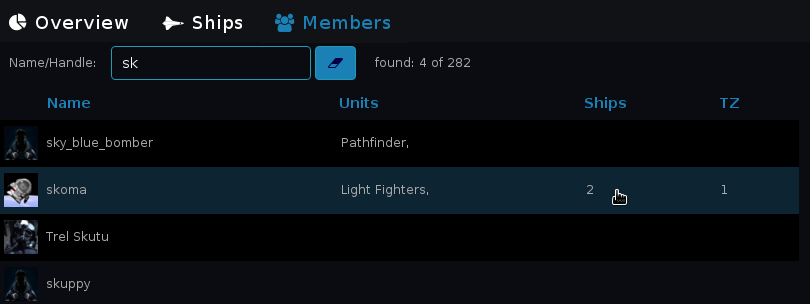
A: The Orgtool is a tool for organising tree structures items and members.
A: The WordPress page serves also an Json API
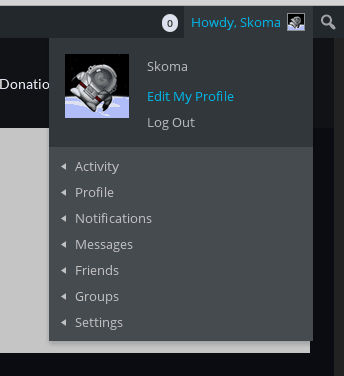
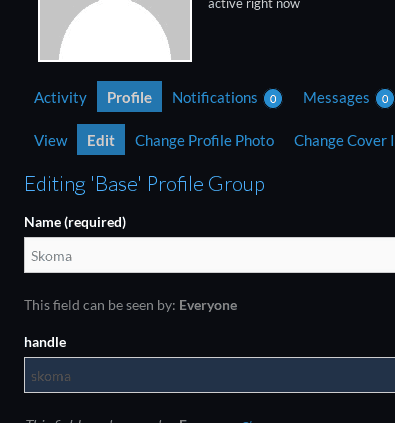
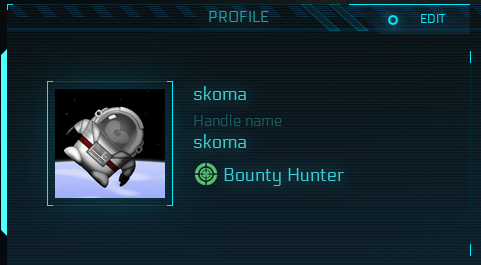
You are able to conenct your RSI account with WordPress by entering your Handle:
A: The old prototype was just a sandbox to evaluate the feasibility of the features.
A: The features are:
– done: We are using the RSI members page, therefore we are not syncing members who are hidden or reducted.
Right now there is no possibility to fetch your ships from the RSI page.
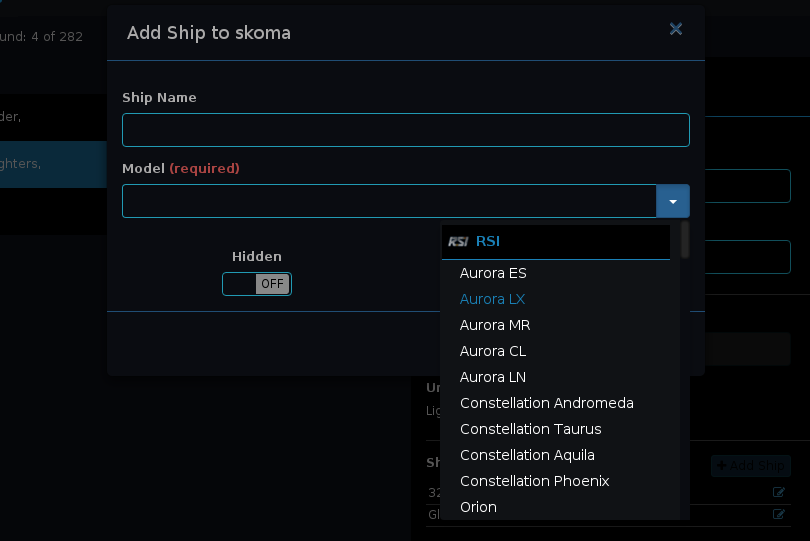
– done: But you can at least fetch the ship models from the pledge store
– done: if a member wants to connect the RSI account he has to enter his handle in his user profile
– done: administrators can do that
– done
– done: administrators can do that
– todo
– done
– todo
– done: user can do that
– done: user can do that
– todo
– todo
– done: ship models view
– todo: add/edit remove ship model and ship manufacturer
– todo
– todo
– done: added temporary user and admin account
– todo: use wordpress session and permissions
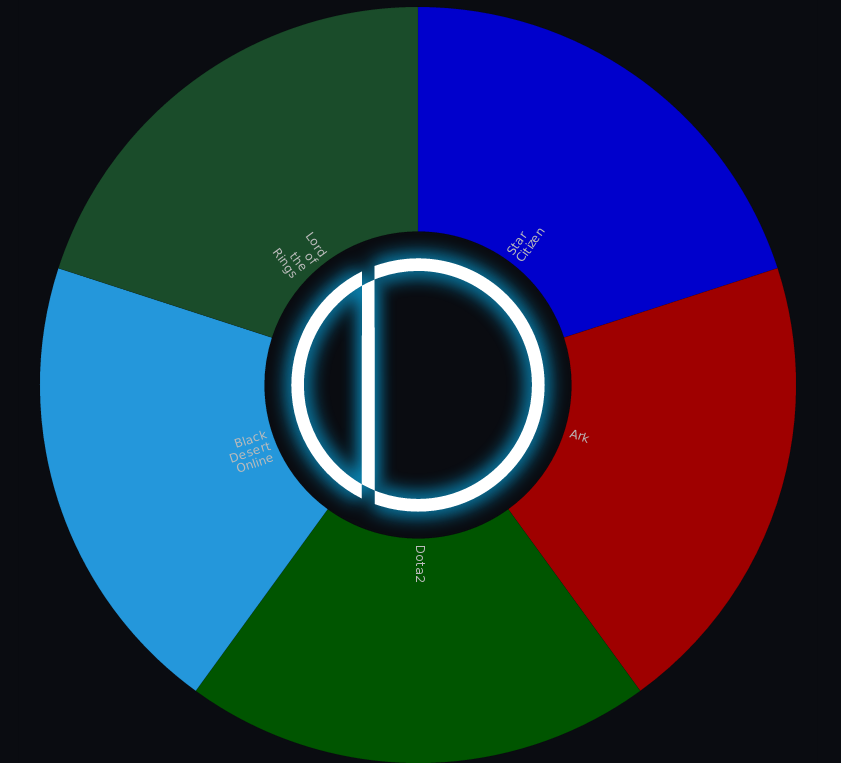
– done: units can be added to different games
– done: members can be assigend to units
– todo: add support for general items
– todo: evaluate different databases/backends
– todo: improve loading
– todo
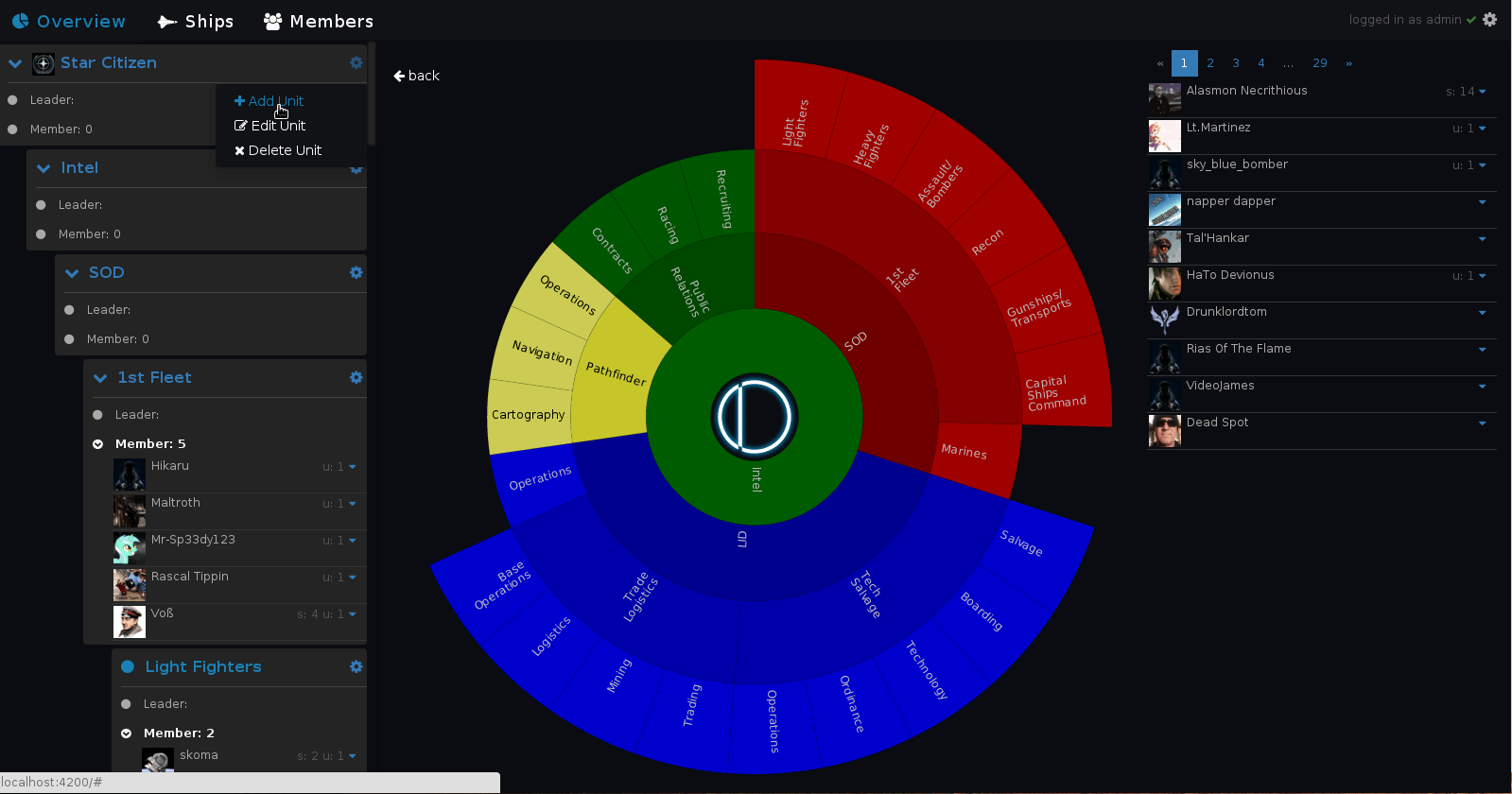
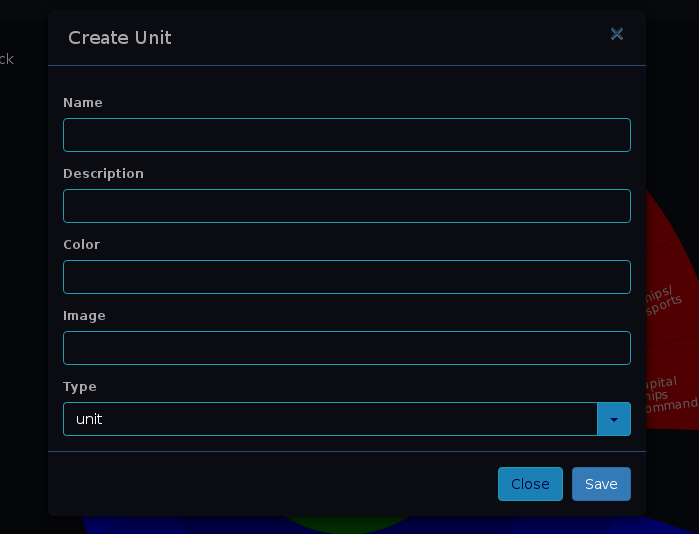
A: Login as admin, click on the gear next to a unit and select ‘Add Unit’, this unit will be the parent of the new one.
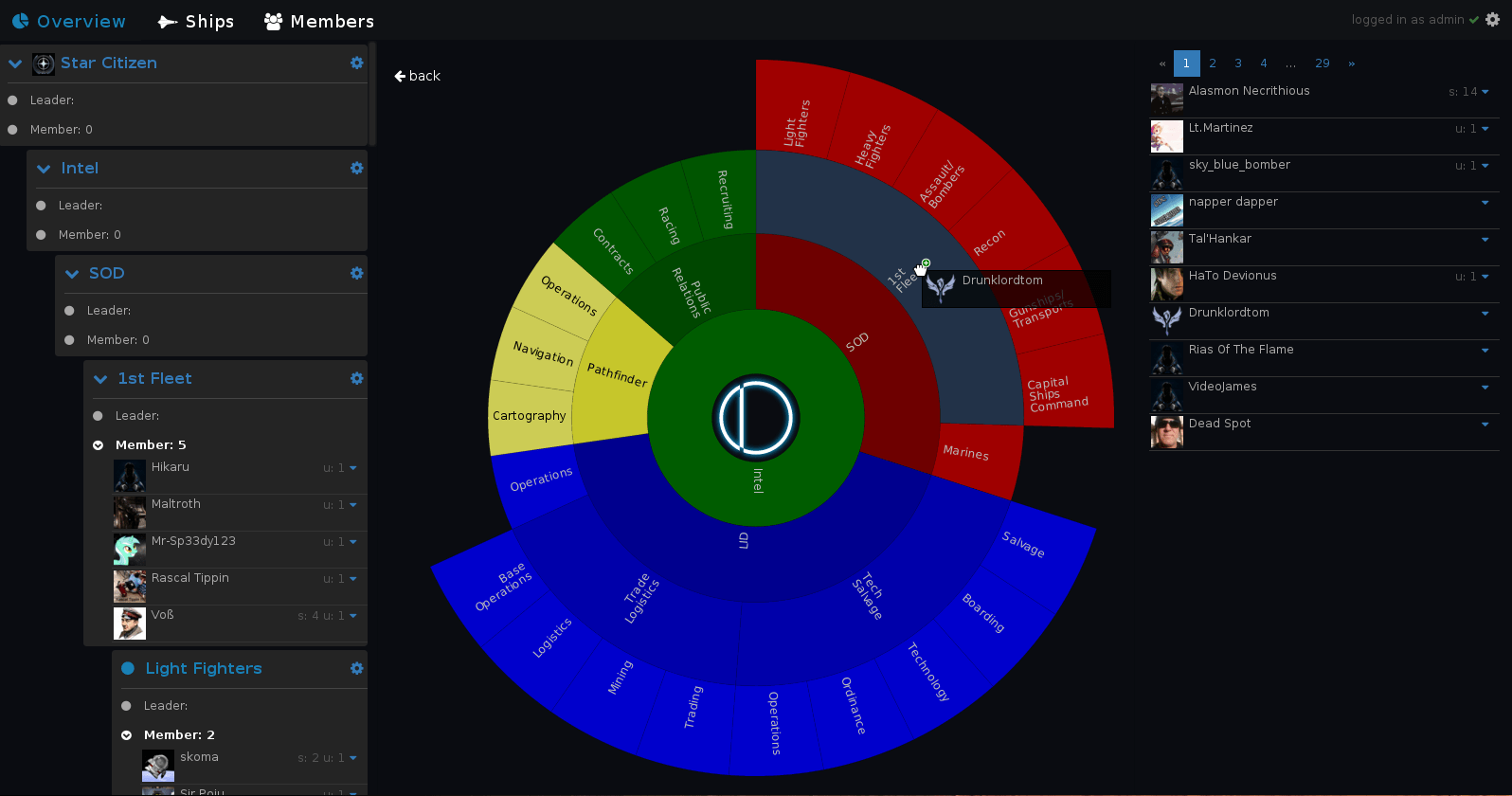
A: Select a game on the Overview page and Drag & Drop a member from the
right side on a unit in the graph or a unit on the left page side
A: First you need to be in the Oddysee Organisation and visible on the RSI page. If you are not or you are but don’t want to show it – ask me to add you.
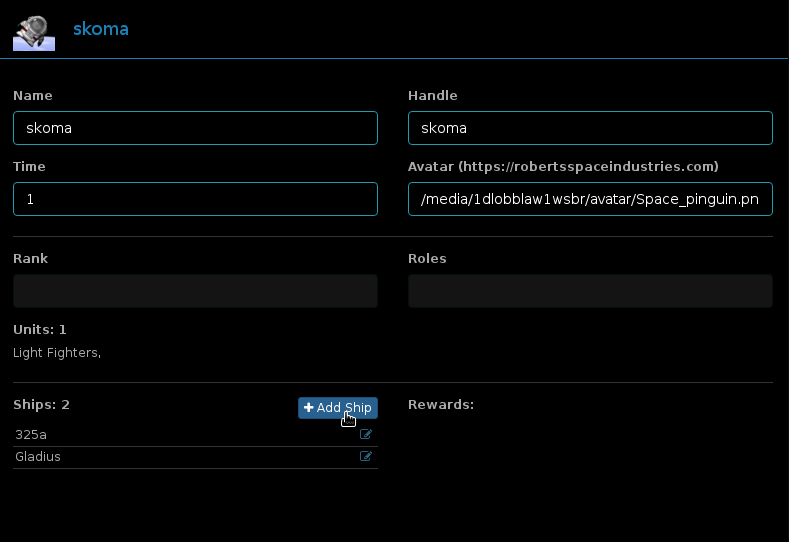
Then you need permissions to add ships. For the time the WordPress integration is in development, the login is temporary realised inside the Orgtool, ask me about the login if you would like to change your ships.